GPT Image 2.5 Sunburst
Create and edit images from text and image inputs. Choose Sunburst when editing precision matters most.
Read OpenAI’s Sunburst documentationTwo models, two creative priorities. Choose precise editing or fast everyday image generation.
Create and edit images from text and image inputs. Choose Sunburst when editing precision matters most.
Read OpenAI’s Sunburst documentationGenerate high-quality everyday images quickly. Flare accepts text and image inputs and produces image outputs.
Read OpenAI’s Flare documentationModel information checked against OpenAI’s official documentation on September 12, 2026.
Picsart 2.0 Beta combines AI image and video creation with the photo, layout, template, resize, and finishing tools creators use every day.
 BOARD 08
FREE CREATION STUDIO · NO SIGN-UP
Generate an image or video without leaving the homepage. Switch tools at any time; the selected generator loads in the full-height workspace below.
Loading the free image generator…
The full creative workspace will appear here.Generation is only the first layer
The strongest creative workflow compares directions, locks visual truth, edits the winner, and scales only what passes review.
Compare visual directions and models with one clear creative goal.
Turn the strongest generation into an approved design system.
Connect repeatable generation, resize, localization, and export steps.
Produce measured variants without losing brand truth.
Image and video models
Explore less generic visual languages, then finish the strongest direction as an editable system.
View model details ↗Design → motionMove an approved campaign image into motion or use references for recurring products.
View model details ↗Story → finishBuild a longer social story, then check captions, brand assets, sound, and extension seams.
View model details ↗Edit → preserveRepair one bounded element while preserving approved composition and brand details.
View model details ↗Stereo → socialGenerate a native-stereo starting clip before platform crops, captions, and loudness checks.
View model details ↗Prompt → compositionCompare Instant and Thinking workflows for structured, reference-led image creation.
View model details ↗Frame → sequenceEvaluate current longer-form, 1080p video generation with a strict motion review.
View model details ↗Reference → motionTest prompt adherence, reference fidelity, motion, and cost with one hard shot.
View model details ↗Idea → designBuild brand graphics and campaign systems where editability matters after generation.
View model details ↗Plans for everyday creators
Credits, model access, storage, stock, and promotions can change. Compare plans against the editing and generation features you expect to use each month.
A generation becomes valuable when it can ship
FEATURES & WORKFLOWS
Choose the brand feature or output you need-Playground models, AI agents, Flow Copilot, editing, or pricing-then open the guide that explains inputs, credits, and quality checks.
Worth for social graphics/quick AI edits; check credit expiry and billing.
Open the relevant guide →Brand-keyword guide covering inputs, controls, evaluation criteria, and official-source checks.
Open the relevant guide →A source-linked definition of Picsart as an AI creative platform with Playground, Flow, Copilot, and specialized agents.
Open the relevant guide →Compare 90+ models behind one prompt bar and score outputs before spending credits.
Open the relevant guide →Understand the 16 specialized agents, Brand DNA handoffs, and when to use agents versus Flow.
Open the relevant guide →Compare premium tools and renewal conditions with the current official plan page-no invented prices.
Open the relevant guide →Evaluate generation, enhancement, background, text and template tools against the asset you need to deliver.
Open the relevant guide →Move from brief to reusable social variants while checking brand consistency and export quality.
Open the relevant guide →Long-form coverage of Playground, Flow Copilot, the 16-agent roster, scorecards, and FAQ.
Open the relevant guide →Build repeatable no-code creative pipelines with Flow and AI Copilot while keeping brand locks explicit.
Open the relevant guide →September 2026 long-form guide to Flow, Copilot, Playground overlap, and evaluation scorecards.
Open the relevant guide →Long-form 2026-09-17 coverage with prompts, scorecards, and publishing checks.
Open the relevant guide →POPULAR QUESTIONS
Worth for social graphics/quick AI edits; check credit expiry and billing.
Read the supporting page →This independent guide maps the Picsart photo and video editor workflow. Confirm current features, access, and terms on the official Picsart site.
Read the supporting page →Picsart is an AI-powered creative platform for editing and generation, including Playground, Flow, and AI agents. Confirm live modules on the official site.
Read the supporting page →AI Playground is a multi-model generation hub launched with 90+ models from multiple providers behind one prompt and credit balance.
Read the supporting page →In May 2026 Picsart announced 16 specialized AI agents that can share Brand DNA across campaign handoffs.
Read the supporting page →Plan contents change, so use our comparison checklist and confirm the current tools and limits on the official pricing page.
Read the supporting page →Flow is Picsart's no-code visual workflow canvas; AI Copilot helps configure models and continuity inside those workflows.
Read the supporting page →Features, access, and plan terms can change. Confirm important details on the official Picsart website before starting a paid project. Brand names belong to their respective owners. This site is an independent guide and is not affiliated with Picsart.
EXPANDED AI MODEL LIBRARY · AUGUST 2026
Practical introductions to AI image generation, AI video generator and image-to-video systems, with one detailed page for every model.
Cinematic text-to-video, image-to-video and video editing with native synchronized audio.
Open model guide →MiniMax · AI video generatorOpen-weights audiovisual generation with text, first/last frames and multimodal references.
Open model guide →Alibaba · AI video generatorLonger multimodal video generation with flexible duration, references, audio and continuity controls.
Open model guide →Black Forest Labs · Multimodal generatorEarly-access multimodal model direction spanning video, image, synchronized audio and action prediction.
Open model guide →Krea · AI image generatorAesthetic image foundation model designed for expressive generation and creative control.
Open model guide →Alibaba Qwen · AI image generatorCurrent Qwen image family for prompt-led generation, editing and visually precise iteration.
Open model guide →ByteDance Seed · AI image generatorByteDance Seed's July 2026 image model for stronger image-text alignment, structural coherence, text rendering, visual aesthetics, and complex information visualization.
Open model guide →ByteDance · AI image generatorProduction image generation and editing model for detailed prompts and controlled visual revisions.
Open model guide →ByteDance · AI image generatorEarlier Seedream image model useful for comparing prompt interpretation, style and editing progress across releases.
Open model guide →OpenAI · AI image generatorNatural-language image generation and multi-reference editing for precise creative revision.
Open model guide →Google · AI image generatorFast Gemini image generation and editing with high-resolution output and localization features.
Open model guide →Google · AI image generatorHigher-detail Gemini image route focused on 4K-capable generation and editing.
Open model guide →Picsart · CREATIVE WORKFLOW
A neighborhood bakery needs more than a single attractive social image. A weekly menu, a seasonal announcement and a behind-the-scenes post should feel related while serving different purposes. Define the recurring typography, spacing and image treatment before exploring new generated backgrounds.
Use real product photographs when the post needs to show what customers can buy. Treat AI-generated scenes as a design layer whose scale, lighting and perspective must fit the subject. Keep dates, prices and product names editable, and check each design at mobile viewing size before delivery.
Create a small set of layout rules and reuse them deliberately. Vary the message and image while preserving the hierarchy that helps viewers recognize the series.
Inspect the subject edges, shadows, proportions and any details that matter to the product. Then review the complete design with its final text and crop.
THE CREATIVE NOTEBOOK
Explore a focused tutorial, a practical prompt guide and a real-world planning exercise. Each guide includes an original brief and a checklist for reviewing your result.
NEW CREATIVE GUIDE
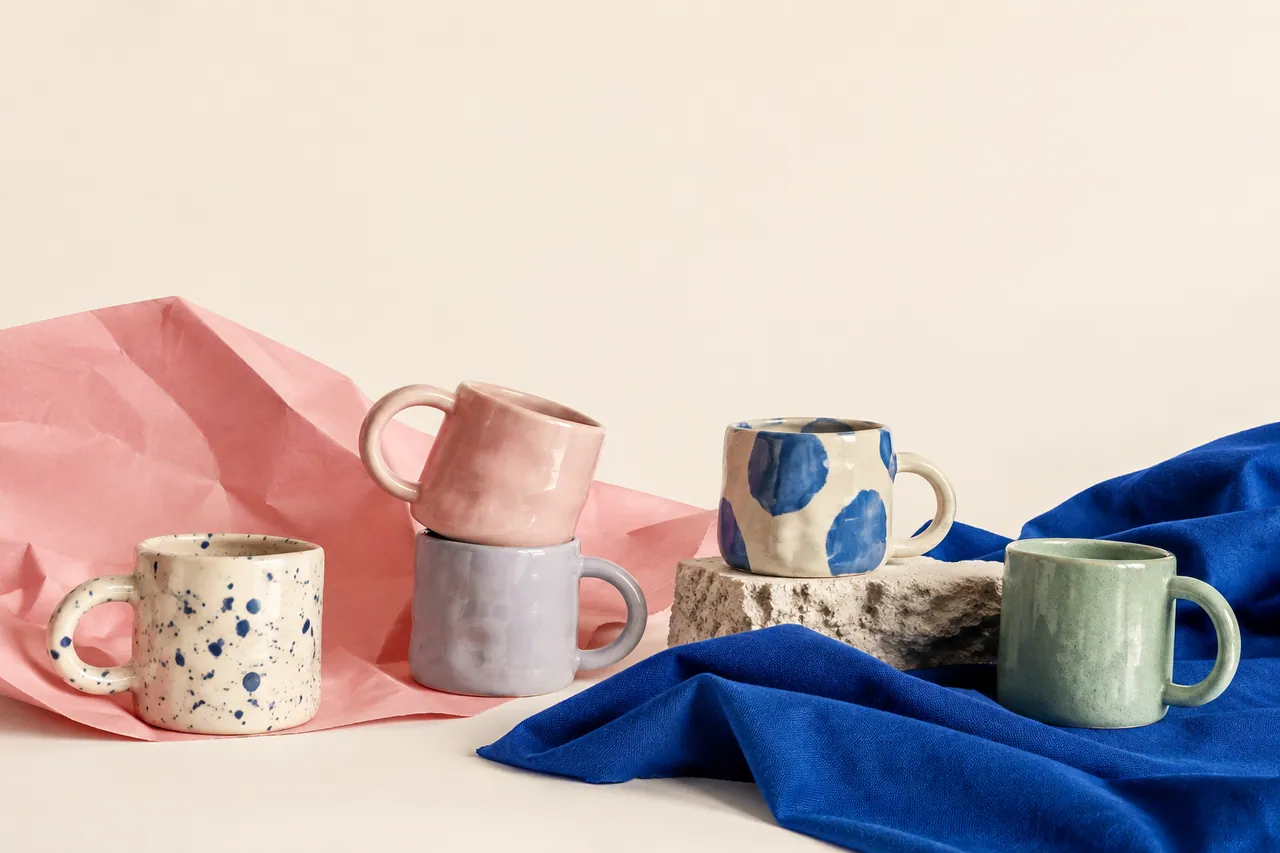
An independent ceramics market campaign: explore two original concept images, prompts and a practical production brief.
Explore the Picsart creative guide →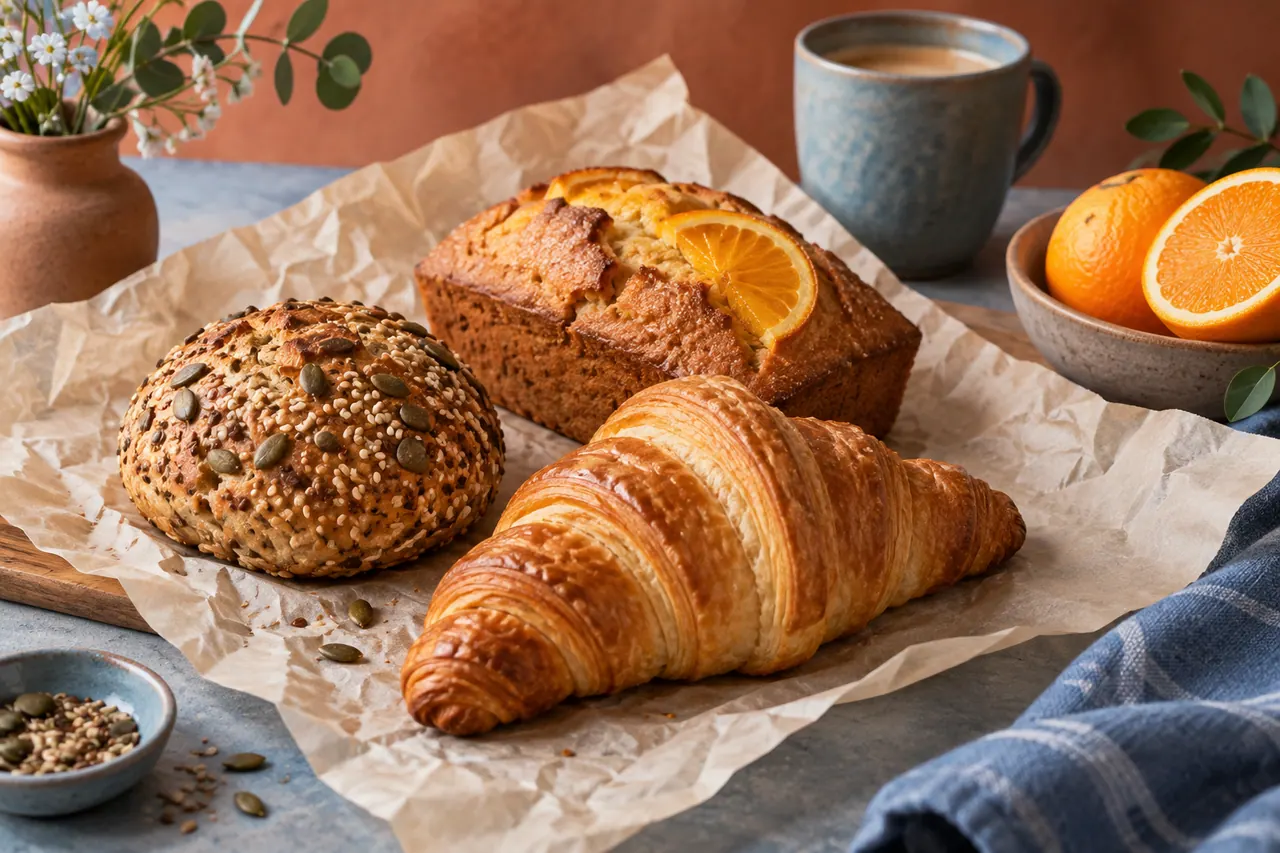
NEW IN THE JOURNAL
Plan an original neighborhood bakery campaign with Picsart AI image editing, generated backgrounds, layout decisions and reusable social designs.
Read the complete guide →