Try the latest PoloX AI Agent
One creative workspace for your next idea.

INDEPENDENT GUIDE · Picsart

Picsart AI Design Studio: Make a Consistent Social Campaign

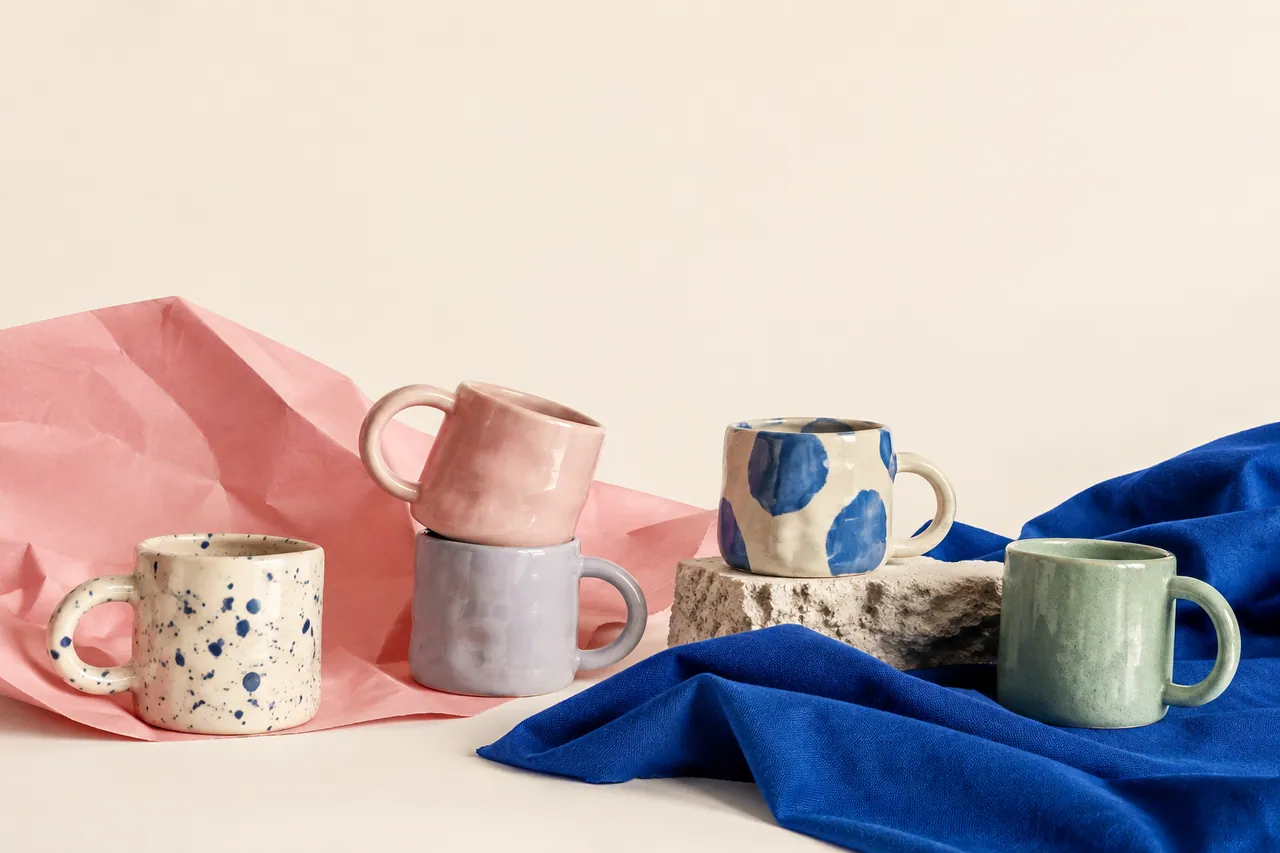
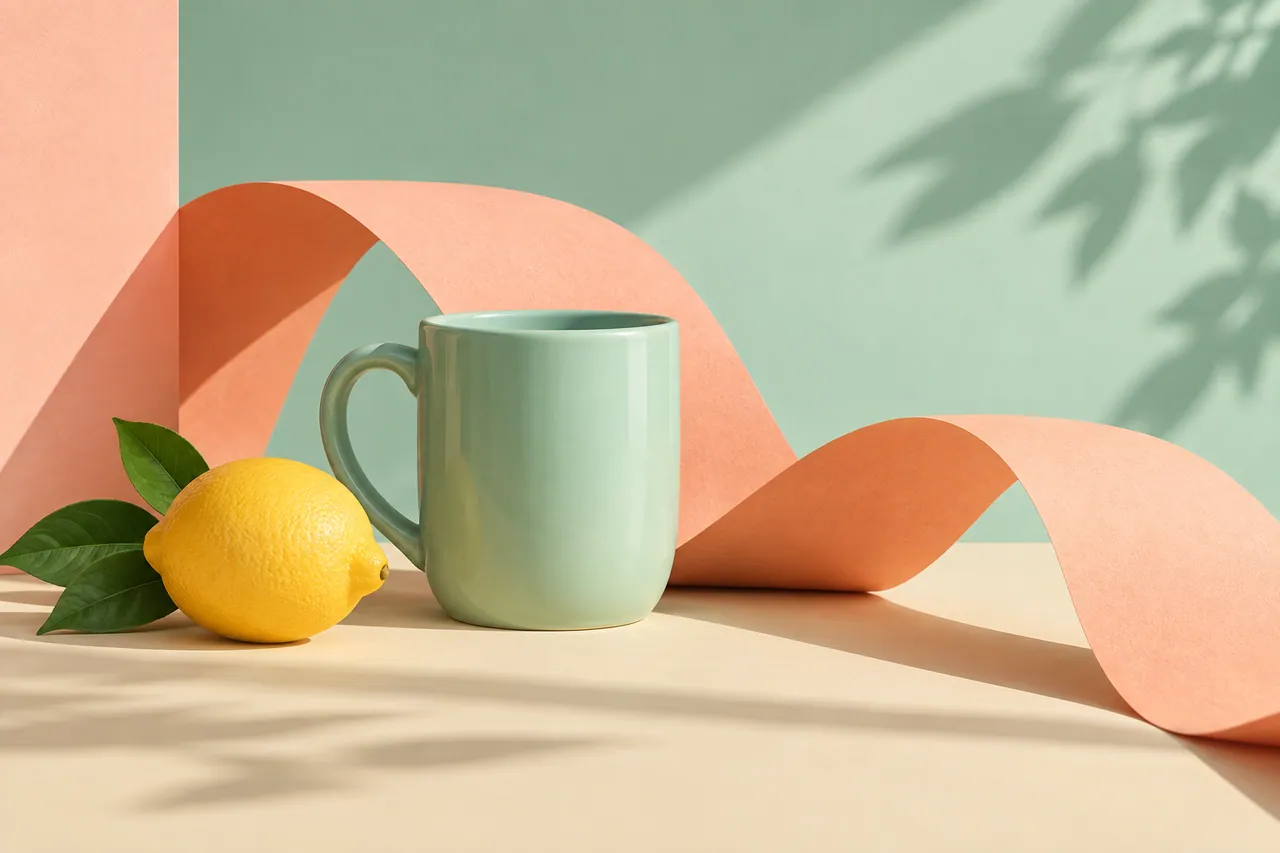
A Picsart AI social campaign needs a repeatable design idea that survives different crops. The ceramics-market exercise uses pastel mugs, colored paper and a small set of playful props. The group arrangement can introduce the event’s mood, while the single mint mug can support a focused product post. Their shared palette provides recognition even when the layout and message change.

A playful arrangement of handmade pastel mugs.
AI-generated concept illustration for this independent Picsart guide. A playful arrangement of handmade pastel mugs.

THE BRAND & THE BRIEF

Explore Picsart with a clear creative goal

Picsart provides AI-powered photo editing, image creation and design tools. This page focuses on AI photo editing and social design through an original exercise: an independent ceramics market campaign.

Use the examples to plan your own tests. They are editorial concept illustrations created for this guide, not screenshots, product benchmarks or outputs generated by Picsart.

Visit the official Picsart website ↗

01 / VISUAL DIRECTION

Two image prompts for an independent ceramics market campaign

Use the first composition to establish the idea and the second to explore a related detail. Adapt the wording and reference inputs to the tool you choose; these prompts describe the creative intent, not a guaranteed result.

PROMPT 01

Establish the visual idea

A playful arrangement of handmade pastel mugs, folded pink paper and cobalt fabric on a cream background, bold editorial product photography, empty upper space. One coherent composition with a clear focal point and natural material detail. Landscape framing. No text, logos, watermarks or decorative borders.
PROMPT 02

Develop the supporting view

A mint ceramic mug beside a lemon and sculptural peach-colored paper ribbon, bright cut-paper-inspired still life photography with ample space for later typography. One coherent composition with a clear focal point and natural material detail. Landscape framing. No text, logos, watermarks or decorative borders.

02 / MAKE THE DECISIONS

A practical Picsart workflow

01

Reserve space for the message

Decide where the event title and practical details will sit before creating the background. Keep important handles and rims outside those text areas. Use real editable typography for dates, prices and directions.

02

Make a small design system

Choose two accent colors, a background tone and a consistent margin. Let the mugs supply the main shapes. The lemon and paper ribbon should support the palette without becoming the subject of the campaign.

03

Test every crop

Review a square post and a vertical story separately. The group arrangement may work in one format while the single mug works better in another. Adjust the layout rather than stretching the same design into every frame.

A mint ceramic mug beside a lemon and sculptural peach-colored paper ribbon.
AI-generated supporting concept. A mint ceramic mug beside a lemon and sculptural peach-colored paper ribbon.

03 / REVIEW BEFORE EXPANDING

What to check in your Picsart creative brief

A lively background can reduce readability if it fills every corner. Start with the hierarchy: product, message, then decoration. Check contrast behind the title and keep the event details large enough for a phone. Avoid letting a decorative prop imply that it is included with the product.

Keep the source prompt, selected reference and revision note together. Compare the next version at its intended display size, and record the specific improvement you want before generating another variation.

PRACTICAL ANSWERS

Picsart creative planning questions

How can posts look related without looking identical?

Repeat the palette, typography and spacing, then vary the product view or supporting prop. Consistency comes from a few stable decisions rather than duplicating the entire composition.

What should stay editable?

Keep titles, dates, prices, logos and calls to action in the design layer. Background artwork can be regenerated while those practical details remain accurate.

THE CREATIVE NOTEBOOK

Learn with Picsart

Explore a focused tutorial, a practical prompt guide and a real-world planning exercise. Each guide includes an original brief and a checklist for reviewing your result.

Independent educational content. This website is not the official Picsart service. For current model availability, account features and plans, check the official website linked above.

YOUR NEXT CREATIVE STEP

Try PoloX AI Agent

Turn your ideas into images, videos, and more through conversation. Describe what you want to create and start on PoloX.

EXPLOREGPT Image 2.5
Sunburst & Flare
Try PoloX AI Agent